

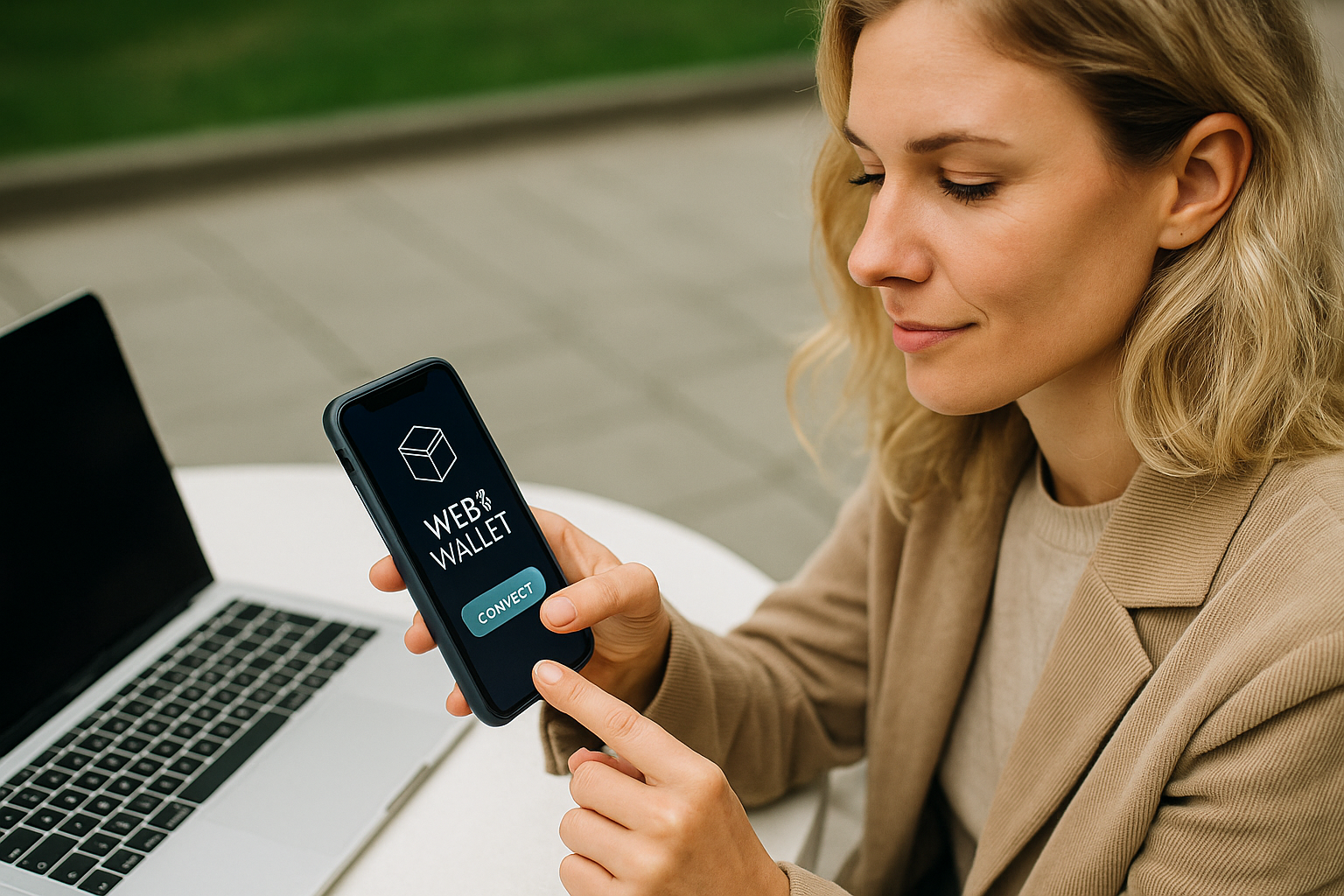

A Web3 wallet opens access to the world of decentralized applications and services without intermediaries. Such a crypto wallet manages private keys and assets, allowing you to use DeFi, NFTs, DAOs, and DEXs directly—without transferring control to third-party platforms. A Web3 wallet connects to smart contracts on Ethereum, Arbitrum, Polygon, zkSync, Optimism, and other networks, unlocking access to next-generation finance.
What Is a Web3 Wallet?
Unlike exchange accounts, a Web3 wallet leaves key management in the hands of the owner. Private keys are not stored on third-party servers, so no one can freeze funds or restrict access. The owner decides independently how to use cryptocurrency, which applications to connect, which DeFi protocols to choose, and which NFT marketplace to participate in.
This opens the path to decentralization, financial freedom, and asset management anytime, from anywhere in the world.
Advantages of Web3 Wallets
Web3 crypto wallets allow you to log into applications without registering with an email and password. Instead, the user confirms login through the wallet, preserving anonymity and confidentiality. This is convenient for those who do not want to leave personal data on platforms and strive for privacy online.
Using such a wallet provides access to staking and farming protocols, where you can deposit assets and earn additional income. The wallet becomes a universal tool for working with decentralized finance, offering the opportunity to participate in investments and manage cryptocurrency without restrictions from third parties.
Another advantage is the ability to interact with multiple blockchain networks. Users can work with Ethereum, Arbitrum, Polygon, BNB Smart Chain, and other networks, switching between them depending on their tasks. This expands asset management capabilities and allows the use of different protocols for investments and token operations.
Such wallets do not limit the owner in choosing applications and services. The user independently makes decisions about connecting to dApps, signing transactions, and interacting with protocols, maintaining freedom of action and independence from centralized systems.
Disadvantages of Web3 Wallets
Web3 wallets do not protect against scam projects and malicious smart contracts. The user independently decides whether to connect the wallet to a dApp and sign transactions. Inattention or haste can lead to token loss if you confirm actions from a fraudulent contract.
Also, Web3 options are not always suitable for everyday purchases: stores and services rarely accept payments directly from such wallets, so users often need to use exchangers or centralized platforms for transactions.
These features do not make Web3 wallets a bad choice, but they require understanding and readiness to manage your assets without external support.
Types of Web3 Wallets
Crypto wallets differ by usage method and the devices they run on, ensuring convenient access to decentralized services in any situation. They come in desktop, mobile, hardware, and browser-based formats, while maintaining their core function—protecting the user’s private keys and enabling direct interaction with the blockchain without intermediaries. This variety allows users to choose a convenient tool for their tasks: active work with DeFi, NFTs, long-term cryptocurrency storage, or everyday transactions in the Web3 network.
Desktop Wallets
Desktop Web3 wallets are installed on a computer—they allow connecting to dApps, managing DeFi assets, trading NFTs, and interacting with DAOs. Private keys are stored locally, reducing data leak risks. The crypto wallet enables flexible fee management, network selection for transactions, and connection of hardware devices for operation confirmation. The owner can use VPNs, disk encryption, and hardware keys to enhance security.
Mobile Wallets
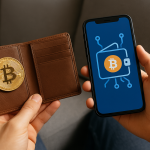
Mobile crypto wallets turn a smartphone into a full-fledged cryptocurrency management tool. With them, you can pay for NFT purchases, participate in staking, vote in DAOs, and connect to DeFi protocols on the go. Private keys are stored on the device, and access is protected by a PIN code, fingerprint, or Face ID.
Additionally, the crypto wallet allows quick asset management, dApp connection, and transaction confirmation from anywhere.
Hardware Wallets
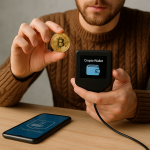
A hardware Web3 wallet is a physical device that stores private keys in isolation from the internet. Such a wallet connects to a computer or smartphone via USB or Bluetooth and is used to confirm transactions. Private keys never leave the crypto wallet, minimizing hacking risks even when using compromised devices. Hardware options are suitable for long-term cryptocurrency storage and DeFi participation while maintaining the highest level of security.
Browser Wallets
Browser-based Web3 wallets are installed as extensions for Chrome, Firefox, and other browsers, turning them into convenient asset management tools. This type of crypto wallet allows connecting to dApps, trading on DEXs, and participating in DeFi and NFTs without installing additional software. Private keys remain in the browser’s local storage and stay under the owner’s control.
Best Web3 Wallets
MetaMask remains one of the most popular crypto wallets thanks to its simple interface and support for multiple networks. Trust Wallet stands out for its convenient smartphone-based management, NFT support, and integrated dApp browser. For secure storage and DeFi work, Ledger and Trezor provide hardware solutions with a high level of protection.
How to Create a Web3 Wallet
To create a Web3 wallet, choose a suitable option: a mobile app, browser or desktop extension, or hardware device. Installing the app or extension on a smartphone or computer usually takes a few minutes. If a hardware wallet is chosen, you will need to connect the device to a computer or phone via USB or Bluetooth and perform initial setup: create a new wallet and set a PIN code.
After installation or connection, the system will offer to generate a seed phrase for access recovery. This phrase must be written down and stored in a secure location, as it is what allows you to restore access to the wallet in case of device loss or app reinstallation.
To work with dApps and DeFi protocols, it is worth funding the wallet with cryptocurrency (e.g., ETH) to pay fees and participate in application operations. After that, you can manage assets, confirm transactions, and use smart contracts without restrictions.
How to Send Cryptocurrency via a Web3 Wallet
To send tokens, open the wallet, select the send function, enter the recipient’s address, the amount, and choose the network.
Before sending a transaction, it is recommended to check the fee (gas fee) and choose a suitable option: standard, accelerated, or minimal. Confirmation occurs via PIN, Face ID, or a hardware device. After sending, you can track the transaction through a blockchain explorer using the TxID.
Conclusion
A Web3 wallet opens access to the world of decentralization, allowing you to manage assets without intermediaries, participate in DeFi, work with NFTs and DAOs. This wallet provides full control over cryptocurrency and unlocks opportunities unavailable in traditional financial systems.
Creating and using a Web3 wallet is a step toward independent asset management, integration with dApps, and the decentralized ecosystem. A Web3 wallet helps preserve freedom and independence, remaining a tool for those who value control over their funds and opportunities in the blockchain.